
 Image 1 of 4
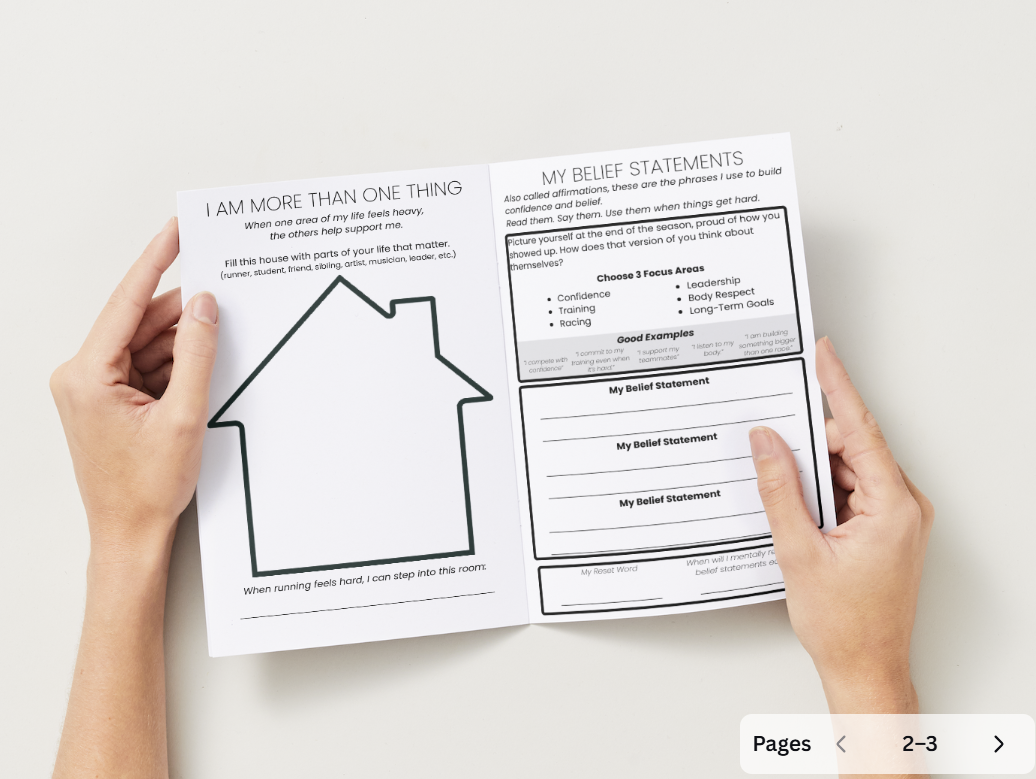 Image 2 of 4
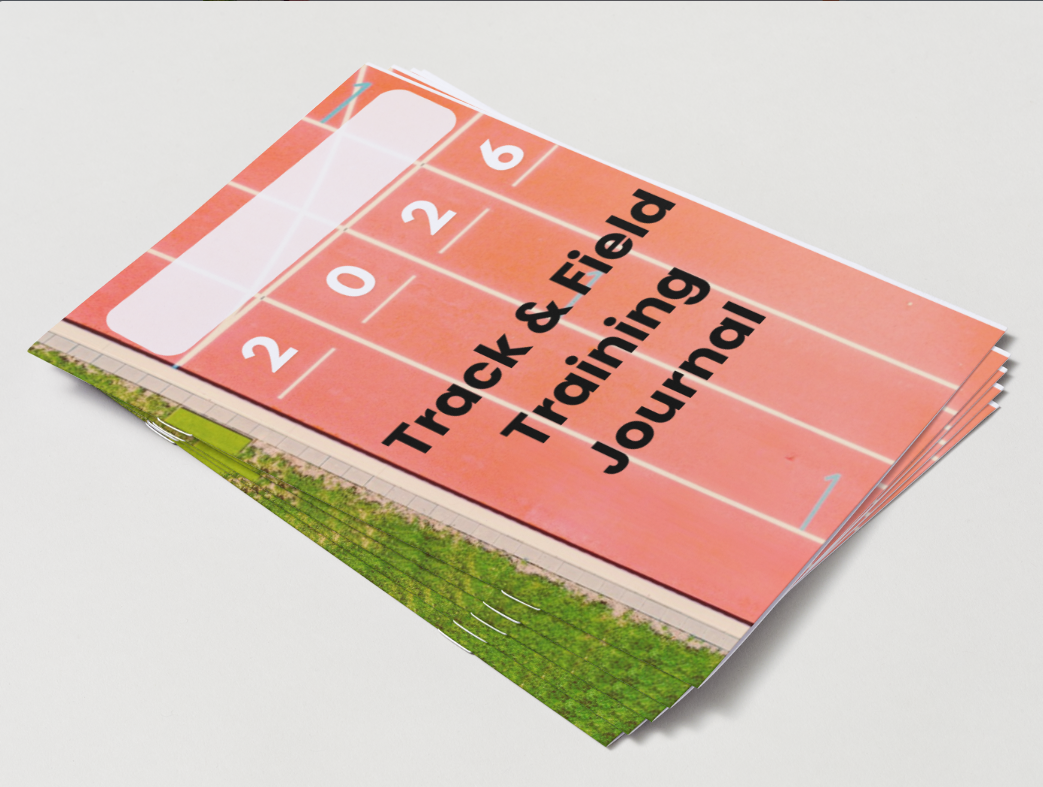 Image 3 of 4
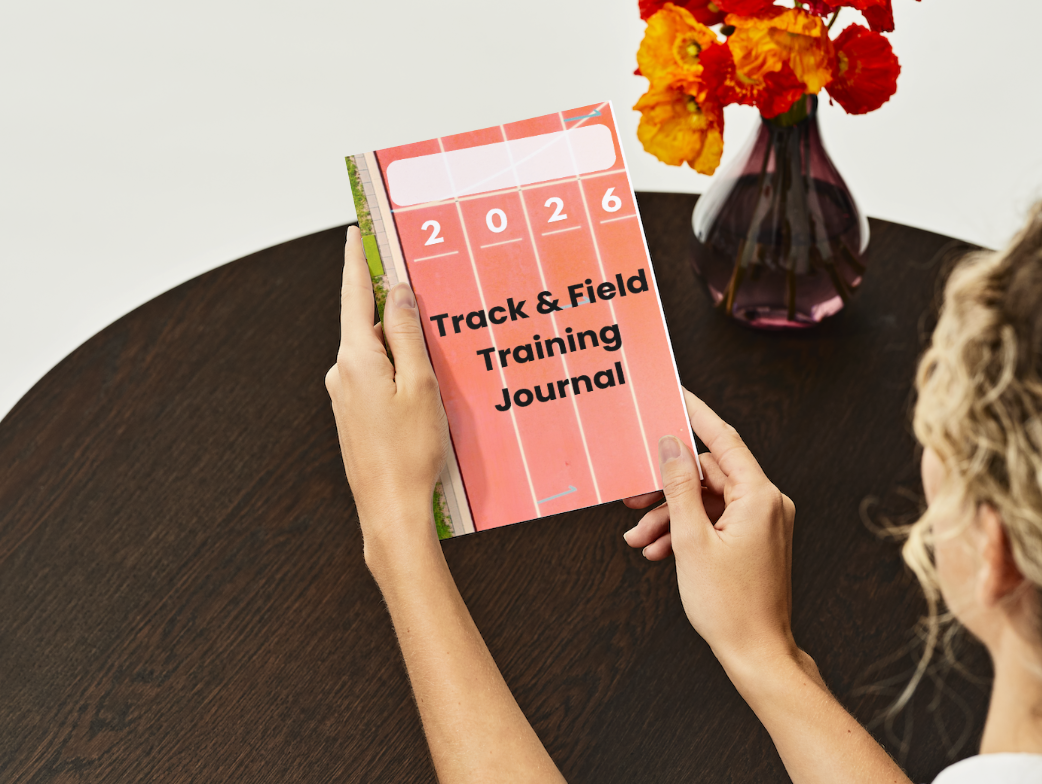 Image 4 of 4
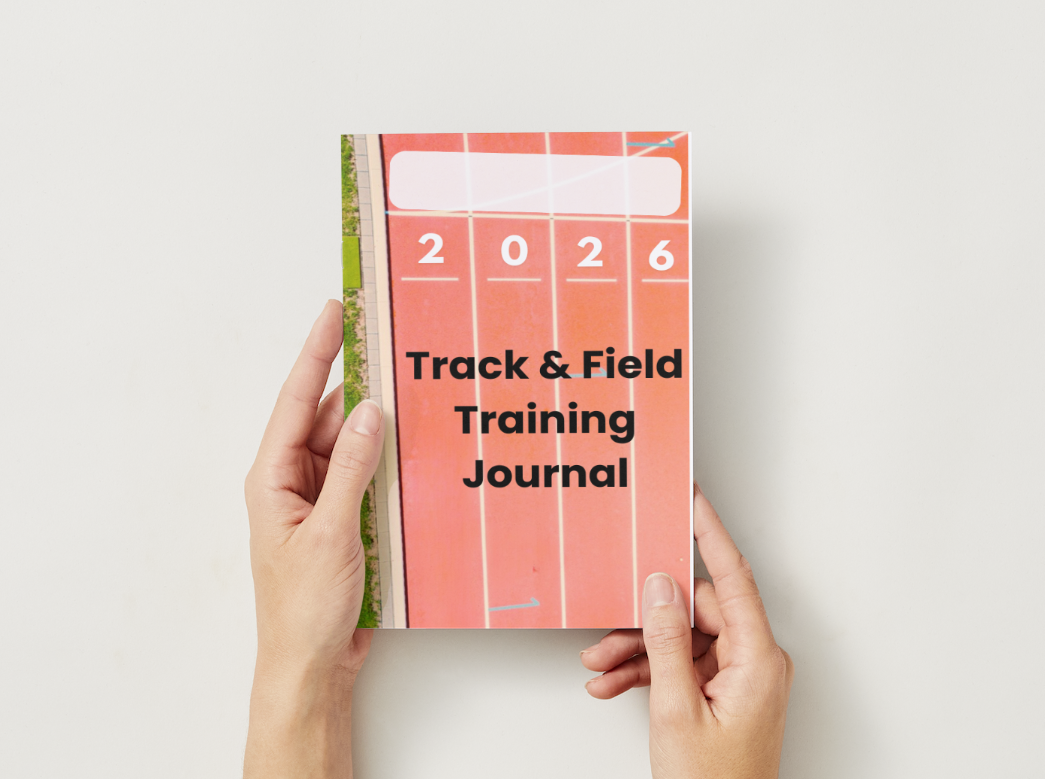
2026 Track and Field Training Journal
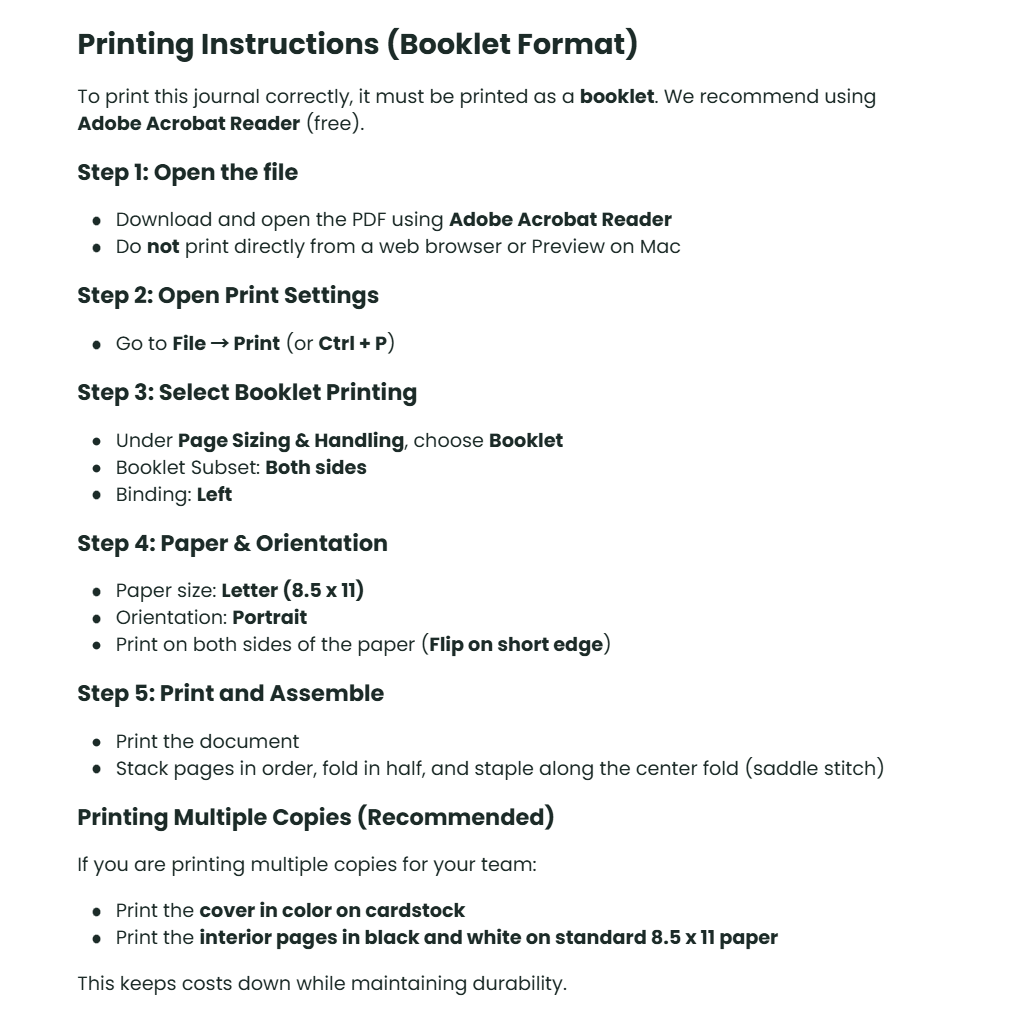
Printing Instructions (Booklet Format)
To print this journal correctly, it must be printed as a booklet. We recommend using Adobe Acrobat Reader (free).
Step 1: Open the file
Download and open the PDF using Adobe Acrobat Reader
Do not print directly from a web browser or Preview on Mac
Step 2: Open Print Settings
Go to File → Print (or Ctrl + P)
Step 3: Select Booklet Printing
Under Page Sizing & Handling, choose Booklet
Booklet Subset: Both sides
Binding: Left
Step 4: Paper & Orientation
Paper size: Letter (8.5 x 11)
Orientation: Portrait
Print on both sides of the paper (Flip on short edge)
Step 5: Print and Assemble
Print the document
Stack pages in order, fold in half, and staple along the center fold (saddle stitch)
Printing Multiple Copies (Recommended)
If you are printing multiple copies for your team:
Print the cover in color on cardstock
Print the interior pages in black and white on standard 8.5 x 11 paper
This keeps costs down while maintaining durability.